Investigation thread · gear
FOV changer
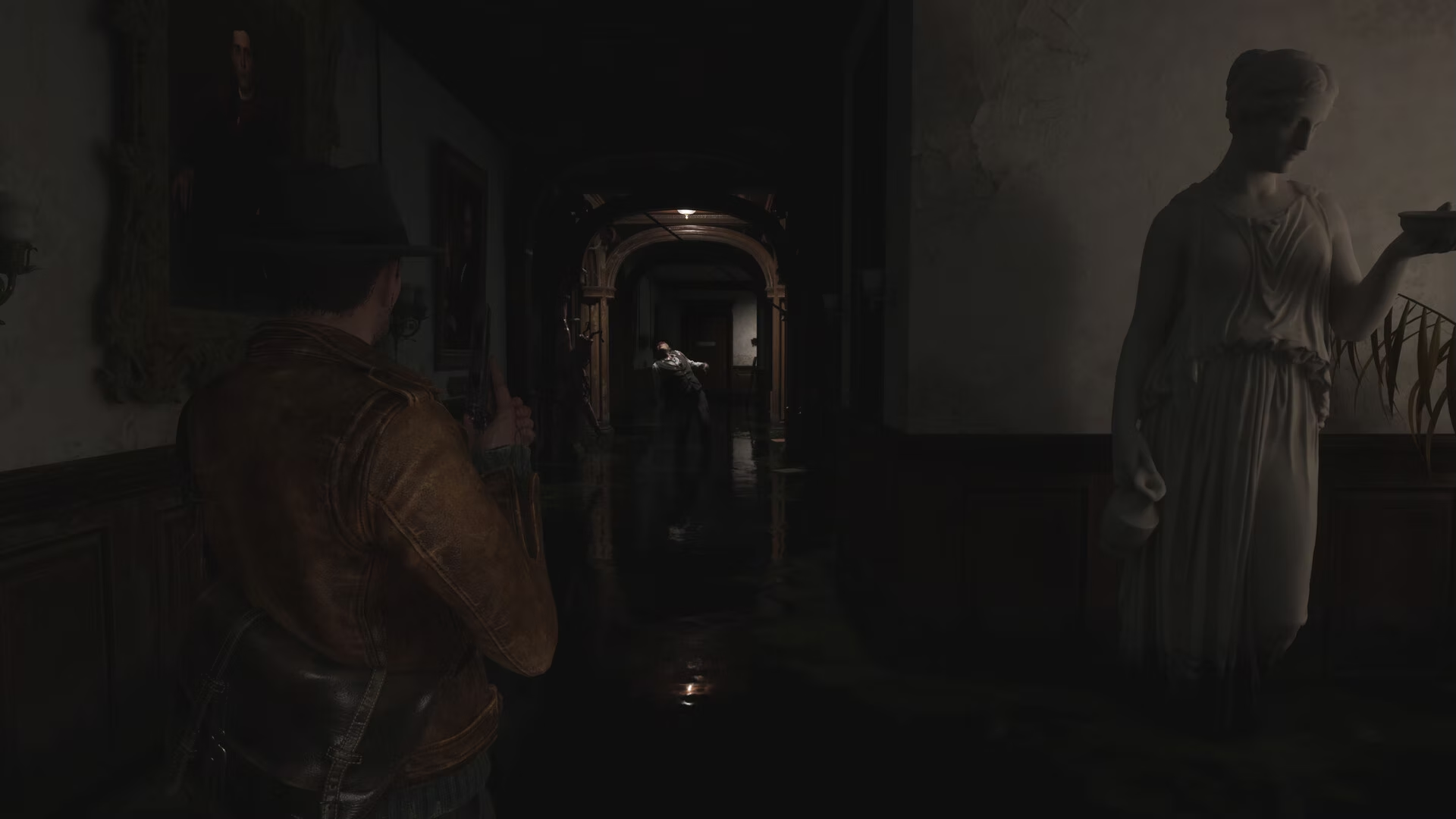
The Sinking City 2 FOV changer adjusts gameplay field of view in real time when the default camera feels too close. This is a separate tool from the ultrawide black-bars fix.
Verified route · unofficial PC tool
Use the v1.1 FOV changer, run it after the game, then tune it live.
RoseTheFlower's v1.1 release lets you control gameplay field of view in real time at any aspect ratio and corrects the earlier FOV jumpiness or breakage around ladders, nearby interactions, and aiming. It does not remove ultrawide cutscene bars; use the separate black-bars fix for that problem.
01 · Do this
Follow the route in order.
- 01
Download the newest archive under Assets from the author's linked GitHub release and unpack it into a dedicated folder. As checked on 2026-09-16, the newest linked build is v1.1. Do not download a mirror or an attachment from a forum thread.
Open RoseTheFlower's GitHub release ↗ - 02
Start The Sinking City 2 first. After the game is running, launch the FOV changer from the folder where you unpacked it.
- 03
Press the tool's Enable control. The release documents this as the activation step; use the control shown by the current build rather than guessing a key.
- 04
Use the tool's increase/decrease hotkeys to tune the field of view in real time while you are in gameplay.
02 · Confirm
What success looks like.
- The gameplay camera framing changes immediately as the FOV value is adjusted.
- On v1.1, FOV no longer jumps or breaks during ladder climbing, nearby interactions, or aiming as described by the release changelog.
- The tool can be used at any aspect ratio; it is not limited to 21:9 or 32:9.
- If your problem is black bars in a cutscene, switch to the separate ultrawide cutscene fix instead.
03 · Boundaries
Read this before changing files.
- This page does not prescribe an exact hotkey because the release notes only promise an Enable control and real-time hotkeys; follow the current build's labels.
- FOV changer v1.1 predates Hotfixes 1.0.1 and 1.0.2, and no compatibility confirmation for the current game build was found during the 2026-09-16 check. The current official patch notes do not list an FOV change. A separate Nexus upload under a different author is not used as proof; use only the linked RoseTheFlower release and stop if it no longer works.
- This is an unofficial trainer-style executable and may stop working after a later game or Windows update.
- The tool changes gameplay FOV, not pre-rendered videos or the black bars handled by the ultrawide release.
04 · Undo
How to roll it back.
- Close the game and the FOV changer. Remove the unpacked tool from its dedicated folder; the release is not installed into the game directory.
- If the game behaves differently after using it, restart the game without the tool and confirm the stock camera before trying again.
Evidence checked 2026-09-16
Sources checked for this route.
RoseTheFlower release tss2fov v1.1 · published 2026-08-19 · current release and Hotfix 1.0.2 notes checked 2026-09-16 · compatibility not confirmed
- releaseRoseTheFlower GitHub release ↗
The current v1.1 asset, launch order, Enable step, real-time control, antivirus warning, and changelog for corrected jumpiness and breakage around ladders, interactions, and aiming.
- playerSteam player discussion ↗
The player thread links the FOV release and notes v1.1. The v1.1 evidence predates the current game hotfixes, so it is not treated as compatibility proof.
- officialSteam Hotfix 1.0.2 announcement ↗
Official patch context checked 2026-09-16: the notes cover a driver warning, PSO-related hitches, and a rare navigation-mesh crash, but no FOV or third-party-tool compatibility change.